The only end-to-end agentic AI event platform

An event that looks designed for every sponsor, speaker and delegate
Explore Northgate Forum 2027, a sample event with its own design across every page, email and post below. Switch designs to see the whole event change, and check each label to see which agent made it.
 Andy sessions
 Alex 1:1 meetings in the breaks
 Wendy designed and built the pages
- Andy the programme
 Sam package and deadlines
 Penny answers and reminders
- Sam tasks and deadlines
- Penny chases what is owed
- Sam registration and email
- Wendy the sign-up form
 Max drafted from Priya's session and bio
Six agents take on setup, portals, the agenda, marketing, design and analytics for your event
Wendy builds your event website, Penny looks after portal answers and Andy prepares the agenda. Each agent checks the work and brings you the result, ready for your approval before anything goes out.
 SamSetup
One example of Sam’s work
Describe a sponsor package once, and Sam prepares a ready portal for every sponsor on it
Give sponsors their package's tasks from day one. Tell Sam what's included and Sam sets up the package with tasks and deadlines counted back from your event date, ready in every sponsor's portal.
In this example, Sam checks
- Every deadline falls before the event
- Uses your sponsor portal template
- Nothing is sent until you approve it
Sam also
- Creates the event around your dates, venue and audiences
- Sets task types and deadlines for each audience
- Brings in your spreadsheets with every row checked
 PennyPortals
One example of Penny’s work
Penny gives sponsors answers from your knowledge base, right in their portal
Penny puts your knowledge base to work answering questions in the portals, with the source shown beside each answer. When the information is missing, Penny asks you for it.
In this example, Penny checks
- Every answer comes with its source
- Questions outside the knowledge base come to you
- The next sponsor who asks gets your answer straight away
Penny also
- Chases what is late, within the limit you set
- Pre-checks submissions and runs the review queues
- Takes care of guests, passes, hotels and dietary details
 AndyAgenda
One example of Andy’s work
Move a session, and Andy catches the clash before your delegates do
Give delegates a programme checked against rooms, speakers and breaks. Andy checks every change, names any rule a move breaks and offers a fix. Once you approve, Penny updates the portals and emails speakers whose times changed.
In this example, Andy checks
- No room is booked twice
- No speaker is in two places
- No session runs into a break
Andy also
- Builds your programme's stages, rooms and sessions
- Takes care of speaker confirmations and change requests
- Handles seats and waitlists for workshops and dinners
 MaxMarketing
One example of Max’s work
A speaker confirms, and Max has the post ready for your approval
Give your company page posts in your event's own design, drawn from what's happening at the event. Max drafts them using the speaker's portal bio and photo, with facts checked against the agenda. Scheduling waits for your approval.
In this example, Max checks
- Bio and photo from the speaker's portal
- Facts checked against the agenda
- Names no sponsor
Max also
- Drafts your newsletter issues and campaign emails
- Runs sharing plans for sponsors, speakers and delegates
- Produces your sponsorship brochure, media kit and press release
 WendyWebsite
One example of Wendy’s work
Wendy builds your agenda into a website designed for your event
Give visitors a website in your event's own colours, type and graphics, with programme pages that match Andy's agenda. Wendy builds the pages within your locked template, and every page stays a draft until you publish it. Undo takes it down again.
In this example, Wendy checks
- Every session has a time, a room and a speaker
- Passes the accessibility check
- Nothing is emailed
Wendy also
- Builds registration, call for papers and enquiry forms in your event's design
- Carries your event's colours, type and graphics across pages, portals and emails
- Keeps the website current as speakers, sponsors or dates change
 AlexAnalytics and 1:1
One example of Alex’s work
Alex pairs each sponsor with delegates to meet and places their meetings in programme breaks
Give sponsors relevant delegates to meet without missing a session. Alex selects delegates who opted in to 1:1 meetings, explains each match and schedules every meeting in a break. Your approval sends the invitations.
In this example, Alex checks
- Only delegates who opted in
- Every meeting is in a break
- The sponsor is available at every proposed time
Alex also
- Reports sign-ins, task completion and registrations
- Tracks revenue and bookings
- Prepares post-event reports for your sponsors
Registration on your website or ours
Welcome applications for free and paid tickets through your existing site or a website Wendy makes in your event's colours, type and graphics. Penny checks every applicant against your criteria and tells you who to accept.
Who is behind Conectus
Built by the team behind TFEST
We built Conectus for the work of delivering TFEST, the supply chain conference we run in Berlin. At TFEST26, that means bringing 400+ senior supply chain leaders to Colosseum Berlin on 1 to 2 December 2026.
We have more than 40 years of events experience between us.
The portals shown here are already in use by TFEST26's sponsors, speakers and delegates.
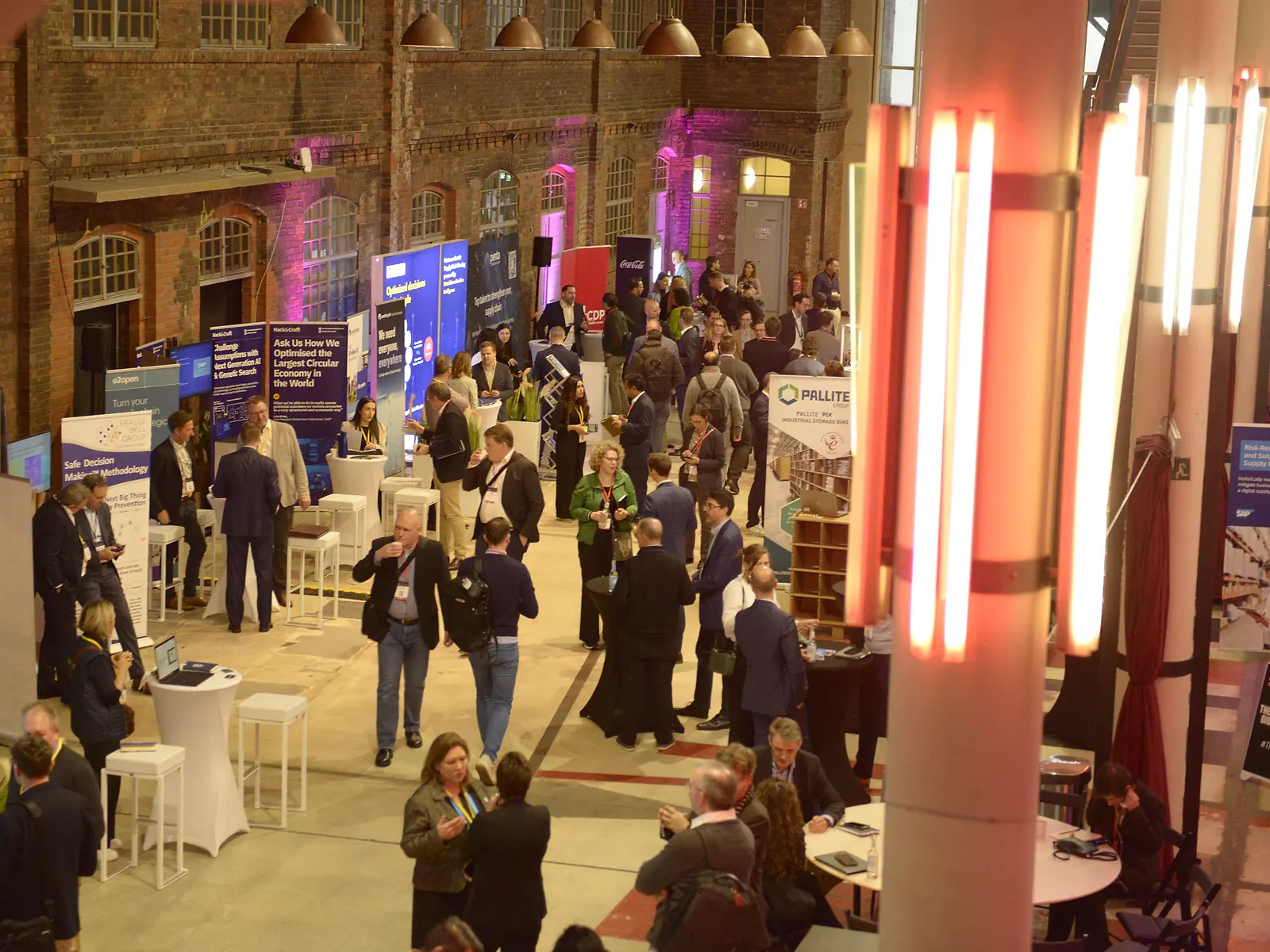
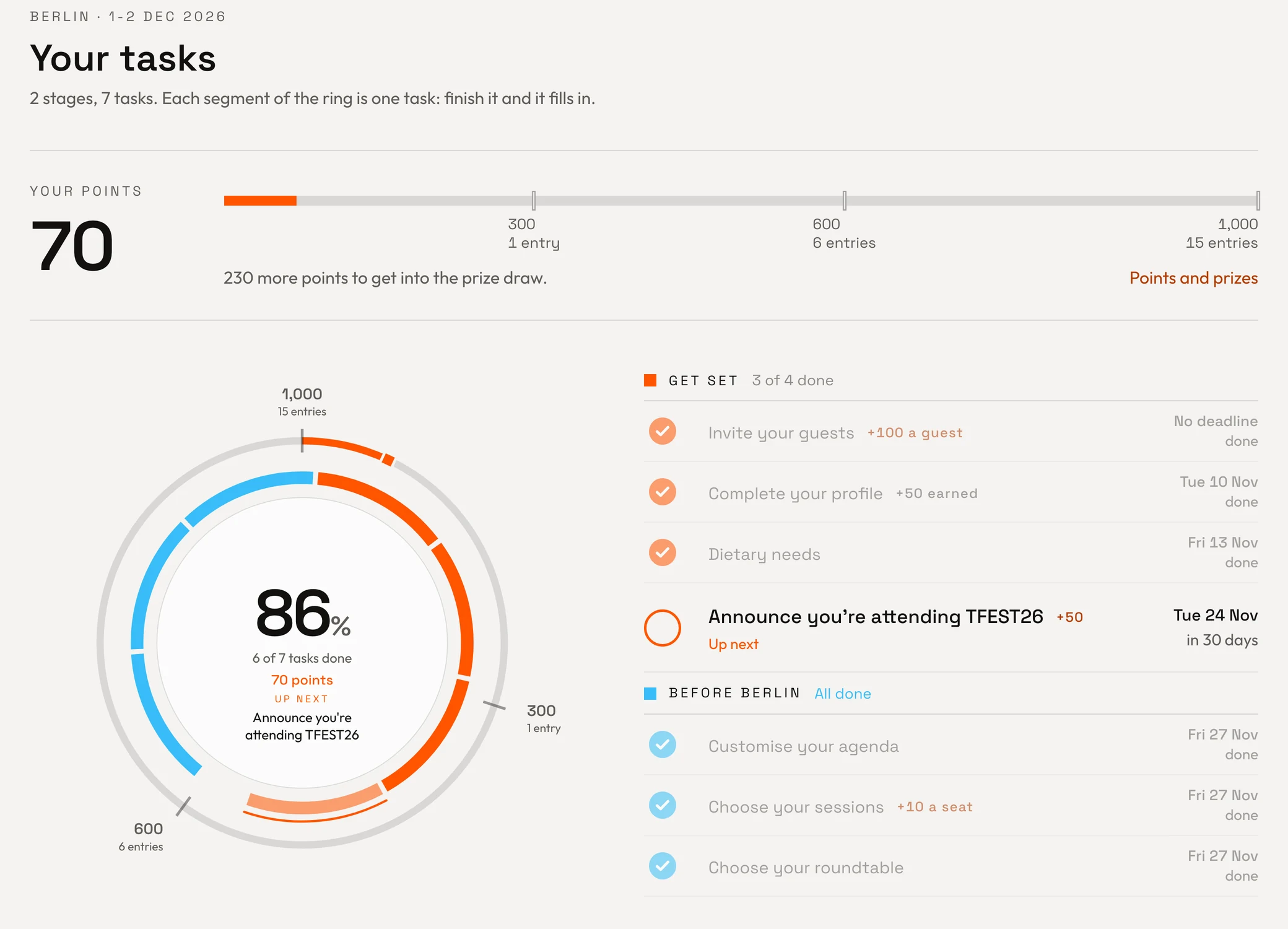
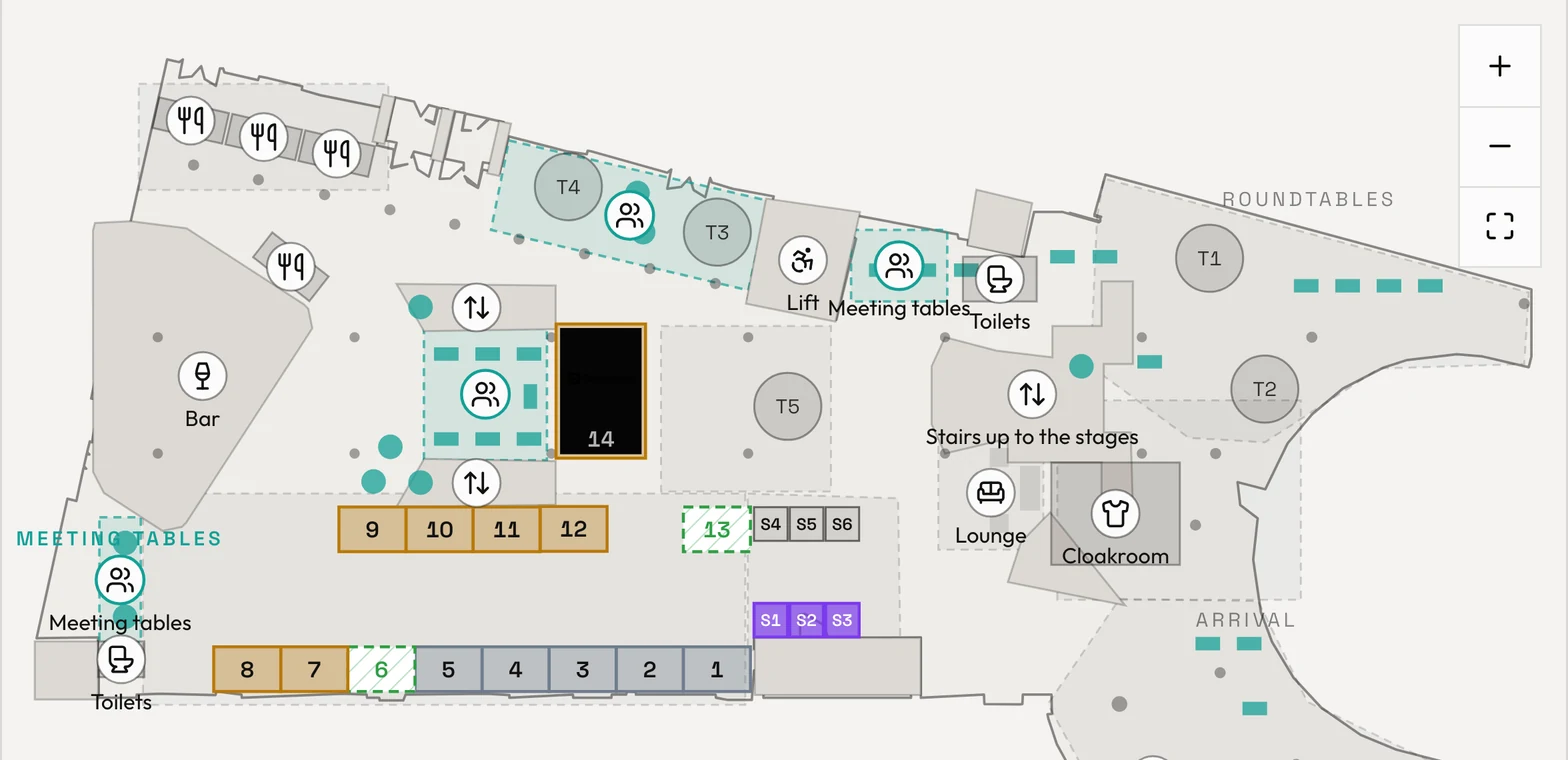
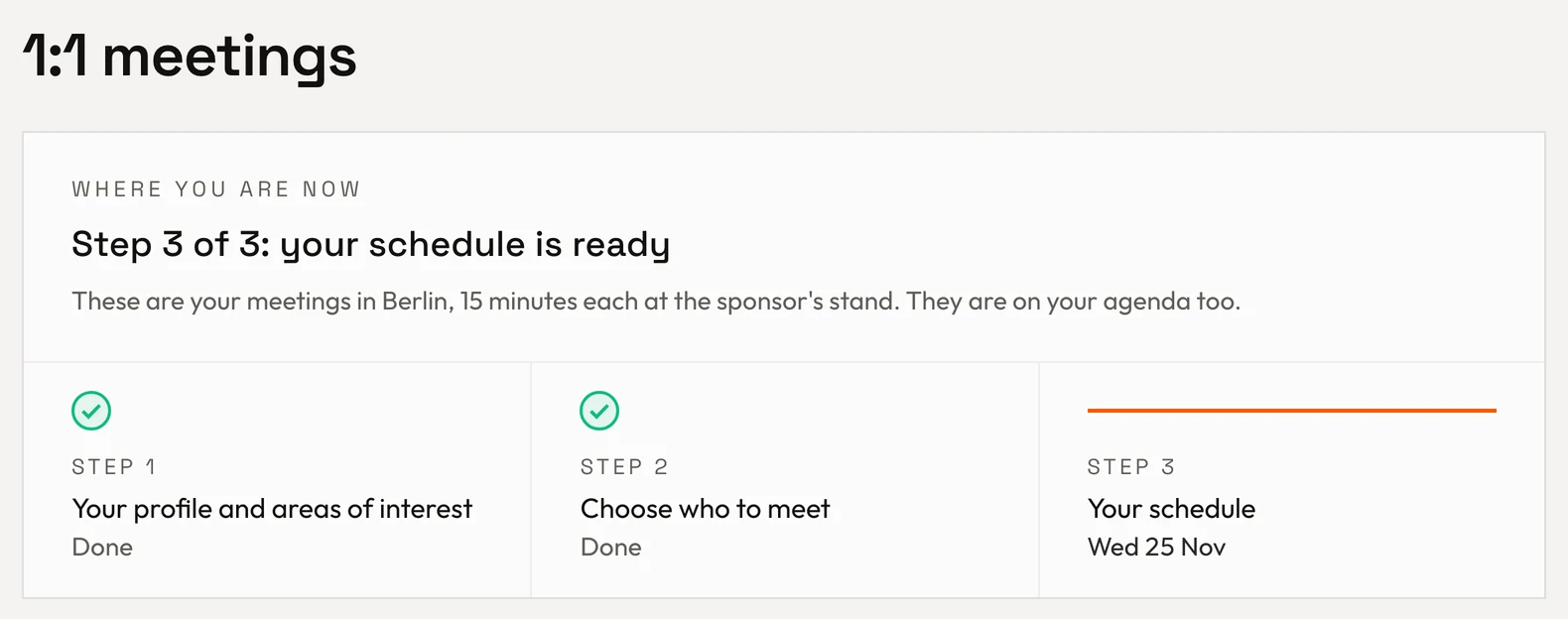
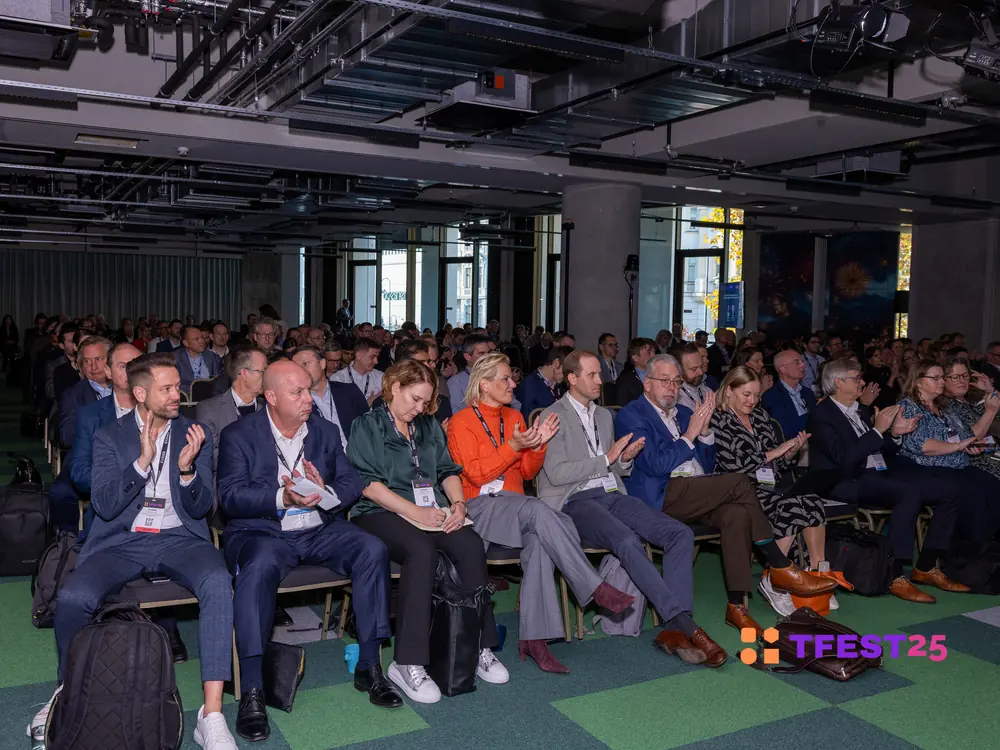
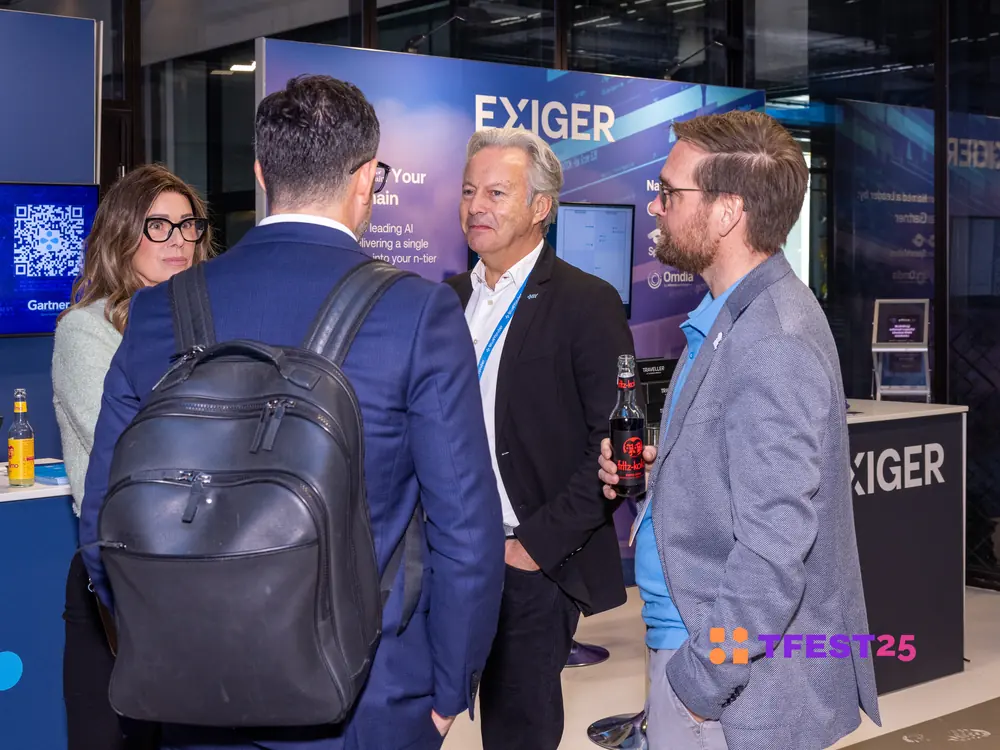
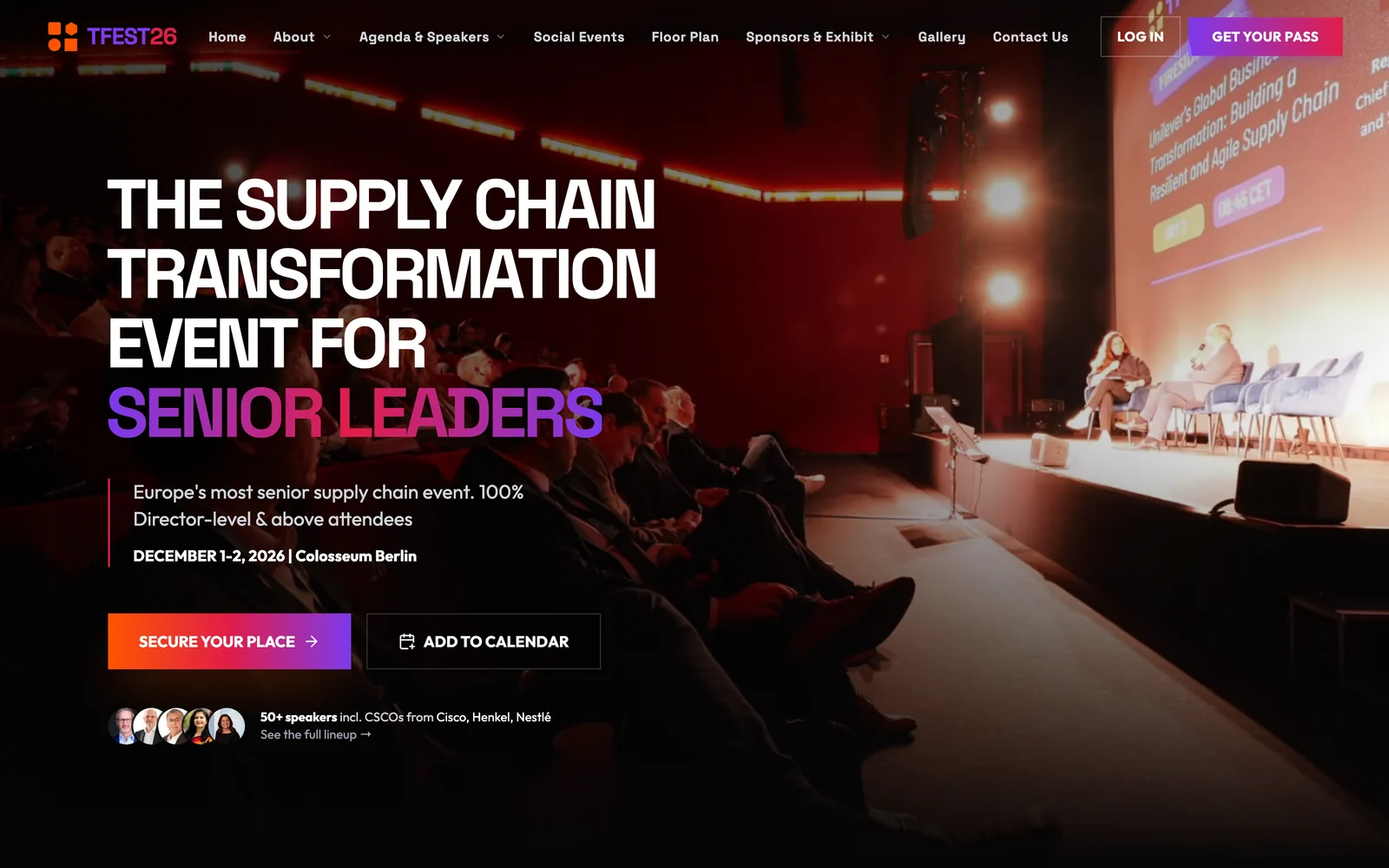
The photos capture TFEST24 and TFEST25 in Berlin. The website and portal screens are live TFEST26 pages, displayed with demo accounts.
Talk to a person whenever you need to
Bring our team your questions about the agents, portals or your event. A person answers every time, and the people replying have run conferences themselves.
- The agents work in your event
- Our team answers your questions
- We're moving from spreadsheets. Can you help us bring last year's sponsors and contacts with us?
- Conectus team PersonSend us the spreadsheet and our team will handle bringing your sponsors, contacts and past events across. We've made that move for our own conference too.
- Great. Can someone walk my team through the sponsor portal?
- Conectus team PersonOf course. Choose a walkthrough time and one of our team will show you around the sponsor portal.
Tell us about your event
Watch Wendy's designs take shape around your event name as you type. A person from our team replies and shows you your event on Conectus.
Your event on Conectus
Live preview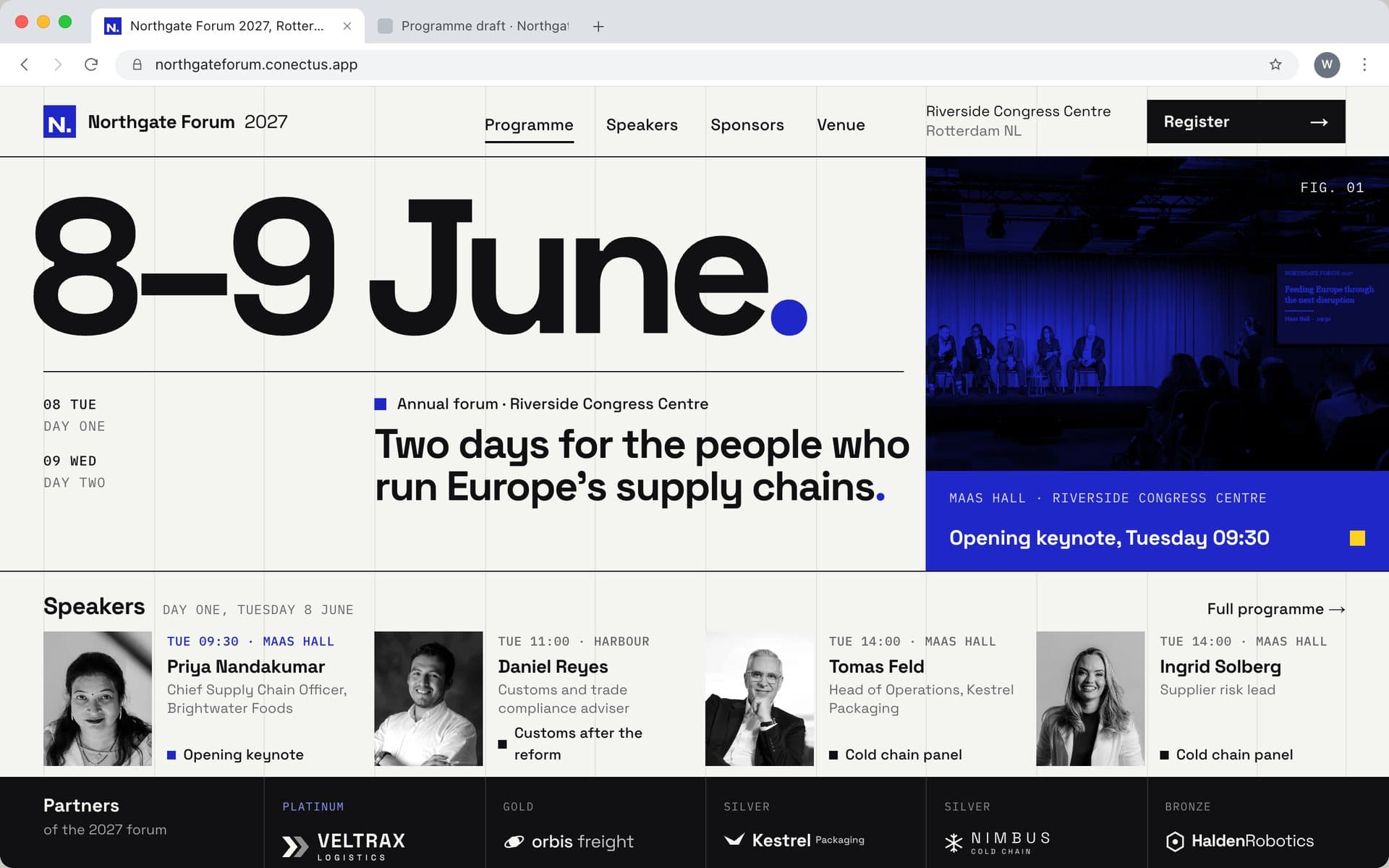
Northgate Forum 2027 in the Raster design, at northgateforum.conectus.app
Every plan includes all six. They get to work as soon as your event is set up.
Book a walkthrough
See what the six agents can make for your event before you decide.
Get a close look at the agents doing the work. We use fictional demo data on a call, at a time we arrange with you.
Book a walkthroughNothing goes live until you approve it.